Separate contexts.
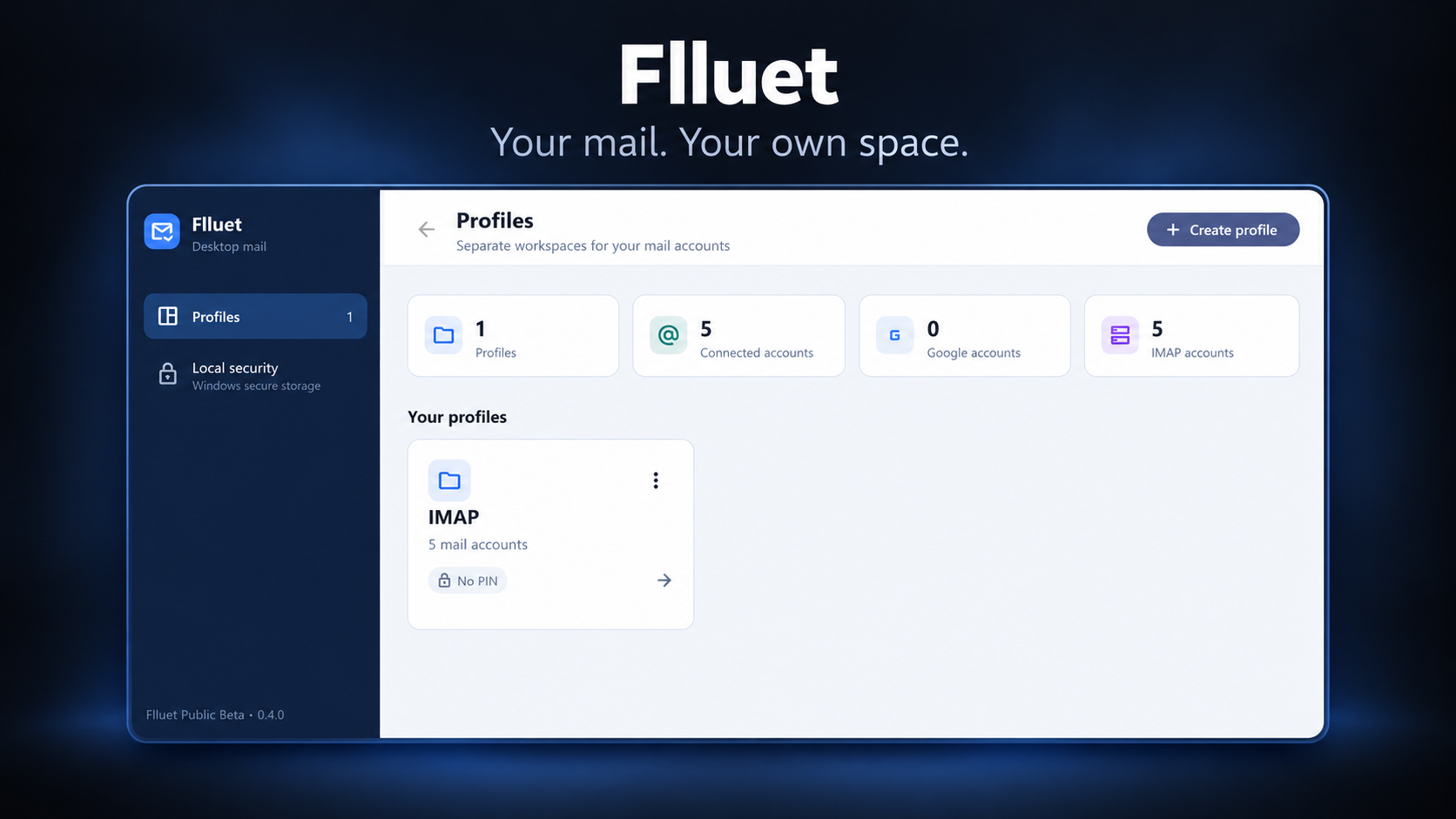
Create profiles with their own account lists and locally protected credentials. Add an optional profile PIN to gate access through the app.
03 / FLLUET · PC & ANDROID
One email project for Windows and Android. Keep your contexts in separate profiles, bring your accounts into a unified inbox and give everyday mail a more focused place.
01 /THE IDEA
Personal mail and different projects do not always belong in the same workspace. Flluet separates profiles and their account lists, with locally protected credentials and an optional PIN for access through the app.
Windows and Android belong to the same project, with different provider integrations. Both editions connect to NexaCloudHub IMAP/SMTP; the Windows edition also supports Gmail through Google OAuth. Your email provider continues to host your mailbox.
02 /WHAT IT DOES
Create profiles with their own account lists and locally protected credentials. Add an optional profile PIN to gate access through the app.
Bring the profile’s connected accounts into Unified Inbox. Each message keeps its originating account, so replies and mailbox actions use the right identity.
Read HTML or plain text, work with attachments, compose messages, reply, reply all and forward. External links open when you choose to follow them.
Search mail with filters, keep local drafts and use mailbox folders. Drafts stay on the device; they are separate from server drafts.
03 /ONE PROJECT. TWO PLATFORMS.
The same idea, with an experience and provider connections suited to each platform.
A desktop mail workspace with a resizable reading layout, separate reader windows and mailbox tools for your connected accounts.
Profiles and everyday mailbox actions on a touch screen, with HTML reading, local drafts and a profile-scoped Unified Inbox.
BUILD /UNDER THE SURFACE
NOTES /A FEW THINGS TO KNOW
The Android edition described here supports NexaCloudHub IMAP/SMTP. Google OAuth and Gmail API integration are Windows features in this version.
Flluet is an email client. Connect a supported mailbox you own or are authorized to use; the email provider continues to host it.
No. Mail synchronization operates while the relevant profile and mailbox are active in the application. These builds do not provide an always-running background mail service.
Removing an account or profile removes its related local credentials and app records. It does not delete the provider’s mailbox. Google authorization can also be revoked separately in your Google Account settings.
The project is in development. This page introduces the Windows and Android editions and does not currently provide a public download.
FLLUET / DOCUMENTS
Read how Flluet handles data and provider permissions on Windows and Android, and the terms for using both editions.
NEXT / KEEP EXPLORING